Shipping labels: a practical guide for 2026
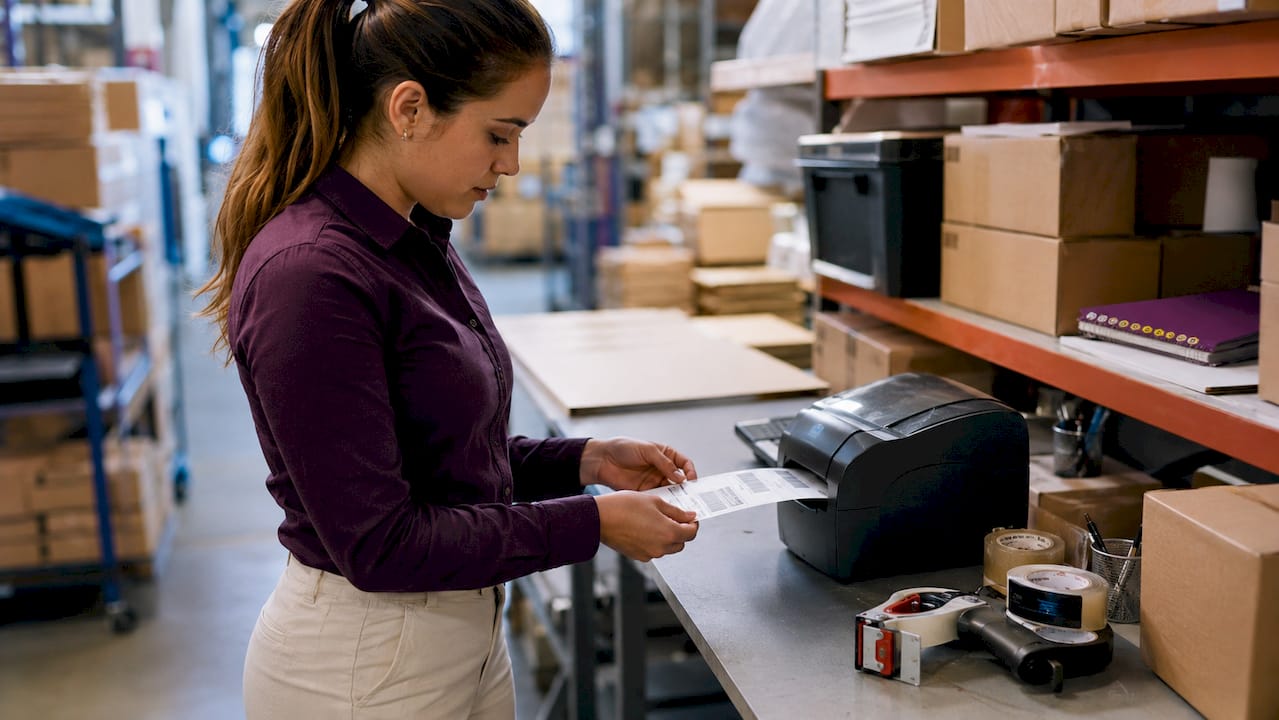
- Shipping labels, usually 4×6 inches, contain essential delivery information and are crucial for accurate parcel handling. Using the correct format, print size, and workflow ensures fast, scannable labels that prevent delays and errors. Automated software and thermal printers optimize high-volume shipping, reducing manual effort and increasing reliability.
Shipping labels are printed tags attached to parcels that carry every piece of information a carrier needs to deliver a package correctly, including sender and recipient addresses, a tracking barcode, package weight, and postage details. Get one element wrong and the parcel stalls. The 4×6 inch format (101.6×152.4 mm) is the accepted industry standard across USPS, UPS, FedEx, and DHL, making it the safest default for anyone preparing a shipment. Platforms like ShipStation and EasyPost have made generating a compliant, scannable label faster than ever, whether you are sending a single parcel from home or processing hundreds of orders a day.
What are standard shipping label sizes and formats?
The 4×6 inch label is the dominant format carriers expect, and deviating from it creates real problems. Barcode scanners in high-volume carrier networks are calibrated to specific barcode proportions. Even a slight deviation in scale can cause a scan failure, which triggers a manual handling exception and delays delivery.
| Format | Dimensions | Best use |
|---|---|---|
| Standard thermal | 4×6 inches (101.6×152.4 mm) | Most parcels, all major carriers |
| Small parcel | 2×4 inches (50.8×101.6 mm) | Lightweight envelopes and polybags |
| Full letter | 8.5×11 inches (A4) | Occasional shippers without a thermal printer |
For most people sending parcels in the UK, the 4×6 format printed on thermal stock is the right choice. Full letter-size labels on A4 paper work in a pinch, but they require folding and taping, which introduces risk. The 2×4 format suits small grey mailing bags and lightweight envelopes where a full-size label would overwhelm the surface area.
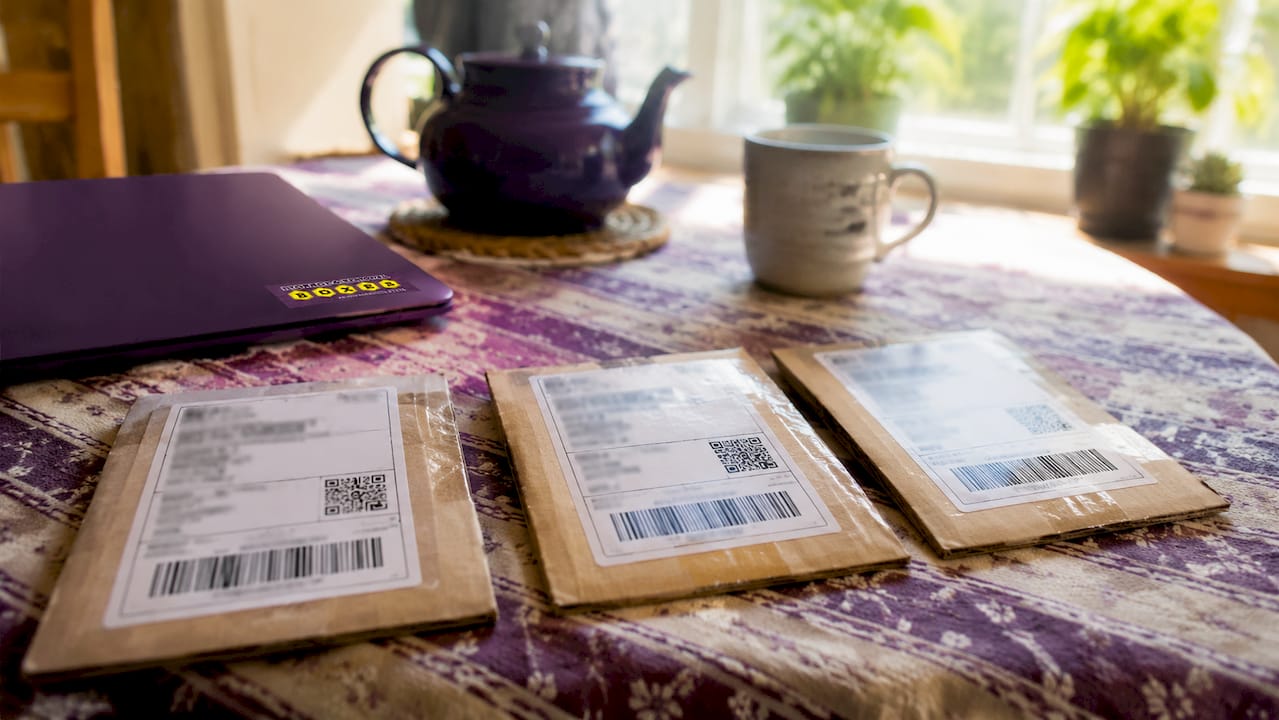
Thermal printing and inkjet or laser printing produce very different results in practice. Thermal labels print in roughly two seconds, are waterproof, and come pre-cut with a peel-and-stick backing. Inkjet and laser labels on paper are cheaper upfront but require you to cover them with clear packing tape to prevent smearing if they get wet in transit.
Pro Tip: Always check your carrier’s label specification page before printing in bulk. DHL Express, for instance, publishes precise barcode zone dimensions that differ slightly from Royal Mail’s ZPL format requirements.
How to create shipping labels: manual methods vs software
Creating a label manually means opening a carrier portal or a free generator, typing in the ship-from address, the recipient address, the package weight, and selecting a service. Digitally generated labels include all required fields and produce a scannable PDF in under two minutes. Free tools like AMZ Prep’s shipping label generator let you do this without creating an account, which suits occasional shippers perfectly well.
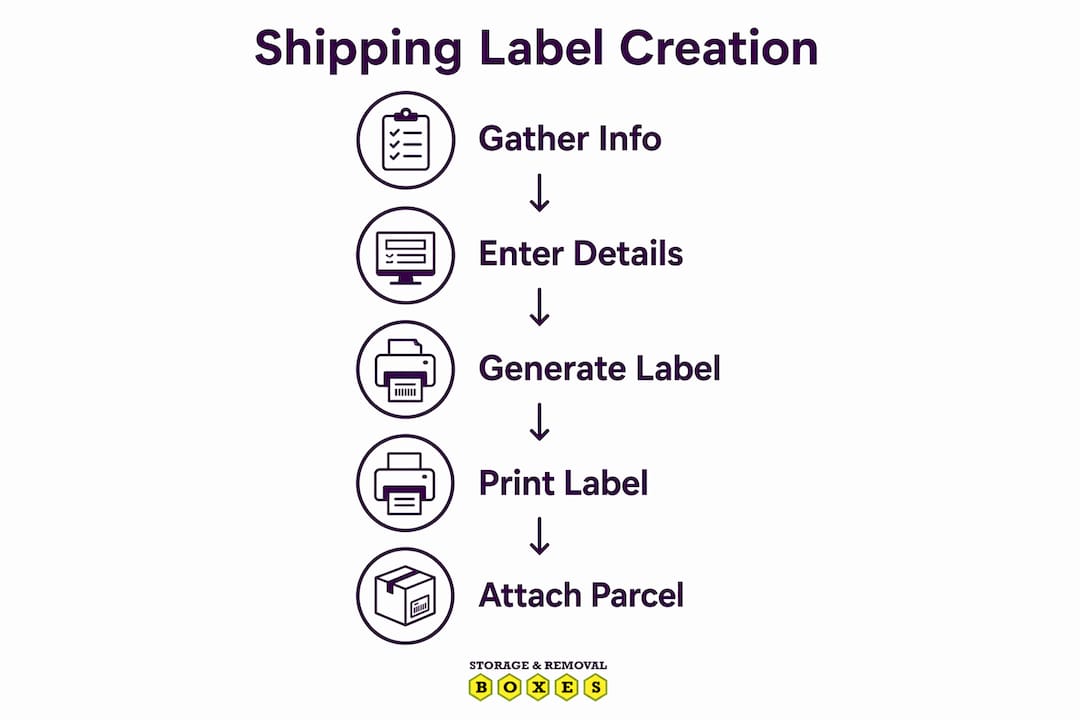
For businesses processing more than a handful of orders per week, manual entry becomes the dominant cost. The process of typing addresses, selecting services, and downloading individual PDFs adds up fast. This is where shipping label software changes the equation entirely.
Here is how an automated workflow typically operates:
- Connect your e-commerce platform (Shopify, WooCommerce, eBay) to your label software.
- Orders import automatically, pulling recipient addresses and order weights directly.
- Apply shipping rules or presets, such as “all orders under 1 kg use Royal Mail 48.”
- Review carrier rates side by side and select the best option per order.
- Generate and batch-print all labels in a single print run.
- The software marks orders as shipped and sends tracking numbers back to your storefront.
ShipStation automates this entire sequence, from order import through to tracking notification, removing manual data entry from the process almost entirely. EasyPost’s API connects to over 100 carriers and adds address validation and insurance options at the point of label creation, which reduces failed deliveries caused by address errors. For high-volume operations, these tools are not optional extras. They are the infrastructure.
Best practices for printing shipping labels at home or at work
Printing a label correctly matters as much as creating it correctly. The most common mistake home shippers make is printing with “scale to fit” or “fit to page” enabled in their PDF viewer. Carrier barcode scanners are sensitive to label proportions, and even a 5% scale reduction can push barcode bar widths outside the tolerance range that automated scanners accept.
Follow these rules every time you print:
- Set your printer scaling to 100% actual size or none. Never use “fit to page.”
- Select the correct paper size in your print dialogue to match your label stock.
- Print a test label on plain paper first and scan it with a barcode scanner app on your phone to confirm readability.
- If using an inkjet or laser printer on plain paper, cover the entire label surface with clear packing tape before applying it to the parcel. This protects the ink from moisture and abrasion.
- For thermal printers, confirm the label size in the printer driver settings matches your physical label stock. A mismatch causes the image to print off-centre or truncated.
Thermal printers are the right long-term investment for anyone shipping regularly. They produce labels in seconds, require no ink cartridges, and the labels are inherently waterproof. The upfront cost of a Zebra ZD421 or a DYMO LabelWriter 4XL is recovered quickly when you factor in the cost of ink and the time spent taping paper labels.
Pro Tip: If you are using a laser printer and the barcode looks faded or streaky, increase the toner density setting rather than reprinting at a lower resolution. Faded barcodes fail scans at the same rate as distorted ones.
How to integrate label creation into your shipping workflow
A label creation process that sits outside your order management system creates friction at every step. The goal is a workflow where a completed order automatically becomes a printed label with no manual re-entry of data. Standardised and automated workflows achieve greater accuracy and higher throughput than one-off label creation, and the gap widens as order volume grows.
Here is a practical four-step framework for building that workflow:
Centralise your order sources. Pull orders from every sales channel (your website, Amazon, eBay) into a single platform. ShipStation and EasyPost both support multi-channel imports. This eliminates the need to log into separate portals for each channel.
Set shipping rules in advance. Define rules based on weight, destination, or product type. For example, all parcels over 2 kg going to mainland UK addresses use a specific courier at a specific service level. Rules remove per-order decision-making from the process.
Batch-print at set times. Batch printing saves substantially more time than optimising individual label creation, because manual data entry is the dominant labour cost in the process. Processing 50 labels in one print run takes a fraction of the time of processing them one by one.
Automate tracking notifications. Configure your platform to send tracking numbers to customers automatically once a label is generated. This reduces inbound customer service queries and builds trust. Address accuracy and real-time tracking are the two factors most responsible for successful delivery outcomes at scale.
For businesses shipping fragile items, pairing an accurate label with the right packaging is equally important. Fragile and caution stickers in bulk complement your label workflow by flagging handling requirements to carriers at the point of despatch. Accurate shipping cuts e-commerce errors significantly, and the combination of correct labels and correct handling instructions is what makes that possible.
Key takeaways
Shipping labels work correctly only when the format, print settings, and workflow are all aligned. Getting any one of these wrong costs time, money, and customer trust.
| Point | Details |
|---|---|
| Use the standard 4×6 format | The 4×6 inch label is accepted by all major carriers and avoids scanning failures. |
| Print at 100% actual size | Disabling “scale to fit” preserves barcode proportions and prevents delivery delays. |
| Choose thermal for regular shipping | Thermal printers produce waterproof, pre-cut labels in seconds with no ink required. |
| Automate batch printing | Processing labels in bulk removes manual data entry as the dominant time cost. |
| Validate addresses at creation | Address validation at the label stage, as offered by EasyPost, reduces failed deliveries. |
Why I think most shippers get labels wrong before they even print
Most people treat label creation as an afterthought. They focus on the box, the packing, the courier price, and then dash off a label in the last thirty seconds before a collection. That is where the problems start.
The single most overlooked issue I have seen is print scaling. Shippers print a label, slap it on a parcel, and never think to test whether the barcode actually scans. Then they wonder why a parcel gets delayed or returned. The fix takes ten seconds: open a barcode scanner app on your phone and scan the label before it goes on the box. If it does not scan on your phone, it will not scan at the depot.
The second thing I would push back on is the idea that automation is only for big businesses. If you are sending more than ten parcels a week, manual label creation is already costing you more time than a ShipStation subscription. The crossover point is lower than most people assume. Start with a free generator for occasional shipments, but do not wait until you are drowning in orders to switch to a proper workflow.
Label durability is the third thing people underestimate. A paper label covered in clear tape is fine for a dry, short domestic journey. It is not fine for an international shipment that will pass through multiple handling environments. Thermal labels are not a luxury for high-volume operations. They are the sensible baseline for anyone who ships more than occasionally.
Complete your shipping setup with the right packaging
A well-printed label on a poorly chosen box is still a problem waiting to happen. Storageremovalboxes stocks double-wall removal boxes built to withstand the handling pressures of courier networks, alongside a full range of postal and shipping boxes in sizes that match standard label formats. Pair your labels with the right box and you remove one more variable from the delivery equation. Storageremovalboxes also carries bubble wrap rolls and a black marker pen for writing reference notes directly on boxes, giving you everything you need to despatch parcels confidently from one place.
FAQ
What information must a shipping label include?
A shipping label must include the sender’s address, the recipient’s address, a tracking barcode, the service type, and the package weight. Most carriers also require a postcode in machine-readable format for automated sorting.
What is the standard size for a shipping label?
The standard shipping label size is 4×6 inches (101.6×152.4 mm), accepted by USPS, UPS, FedEx, DHL, and Royal Mail for thermal and paper printing.
Why does my barcode fail to scan after printing?
Barcode scanning failures are almost always caused by printing with “scale to fit” enabled, which distorts barcode bar widths beyond scanner tolerance. Set your print scaling to 100% actual size to resolve this.
Do I need special software to create shipping labels?
No. Free tools like AMZ Prep’s label generator produce print-ready PDFs without an account. For regular or high-volume shipping, platforms like ShipStation or EasyPost automate the process and support multiple carriers.
Can I print a shipping label on a normal printer?
Yes. An inkjet or laser printer on A4 paper works for occasional use. Cover the printed label with clear packing tape to protect it from moisture. For regular shipping, a thermal printer is faster, more durable, and more cost-effective over time.